Create flashcards
Write questions and answers, then organise your cards into decks.
 MinkiOpen app
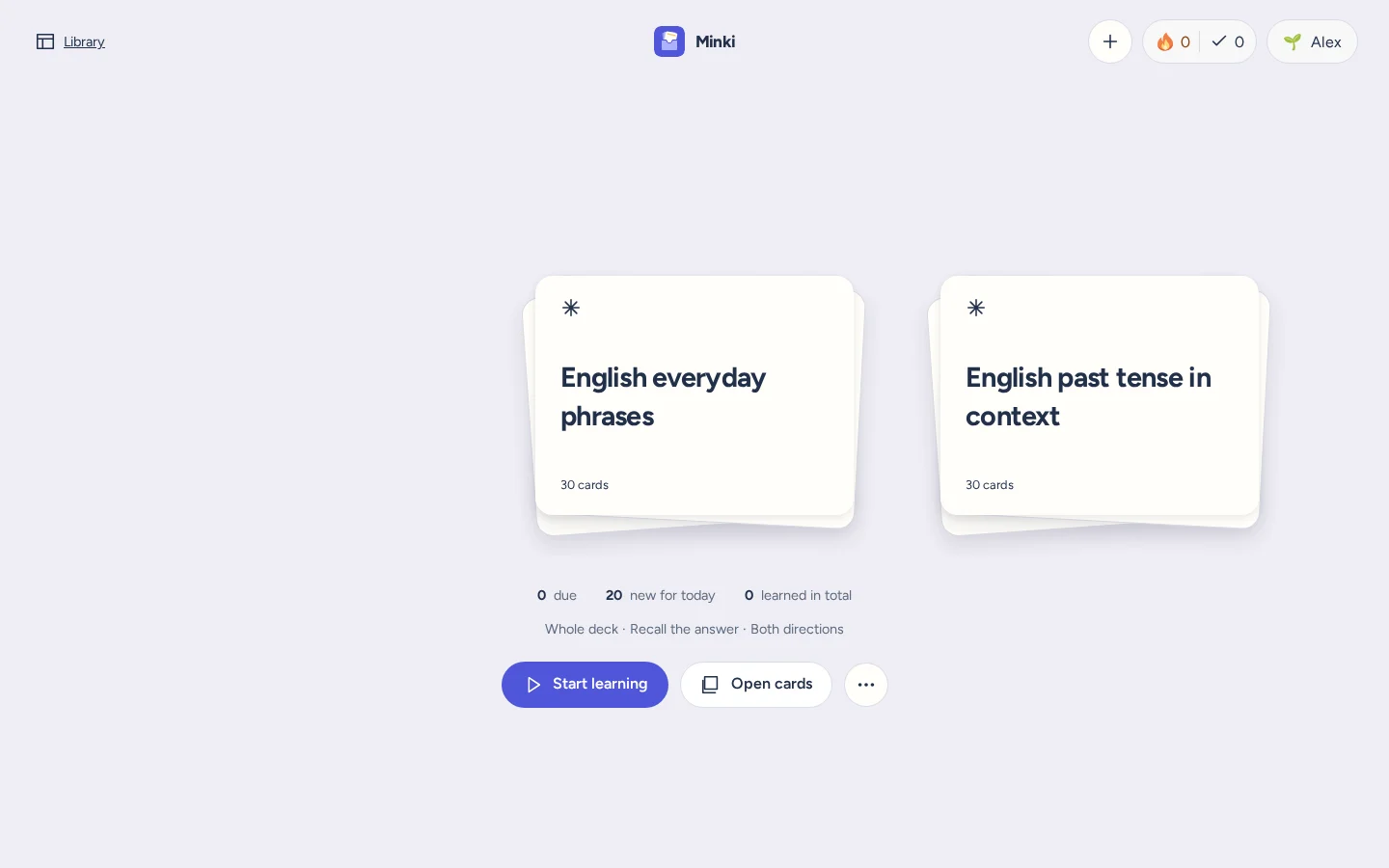
Create your own cards or choose a ready-made deck. Minki schedules your reviews, and you can study offline.
In your browser. No account needed.
Write questions and answers, then organise your cards into decks.
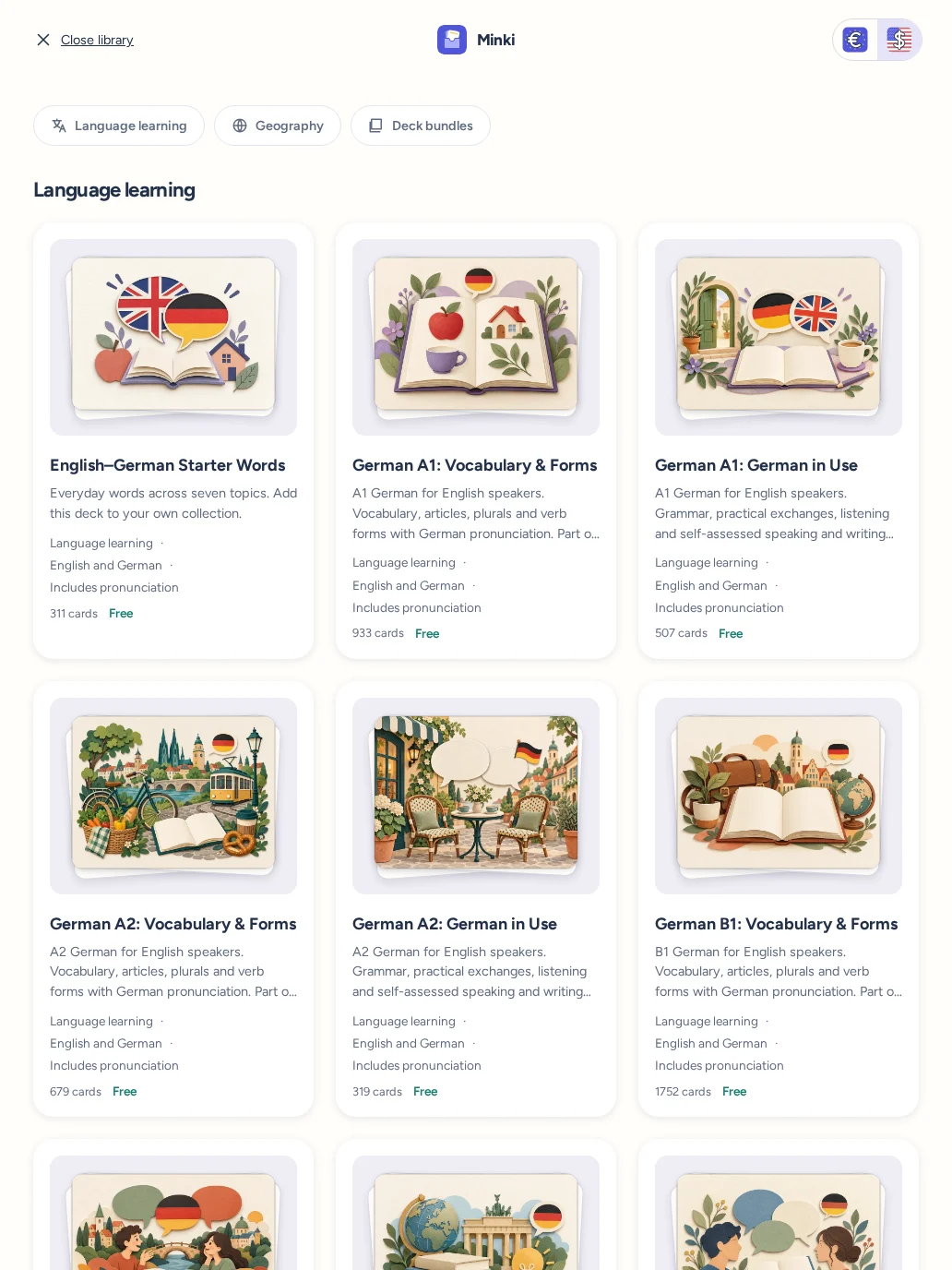
Practise vocabulary or learn countries and capitals with decks from the library.
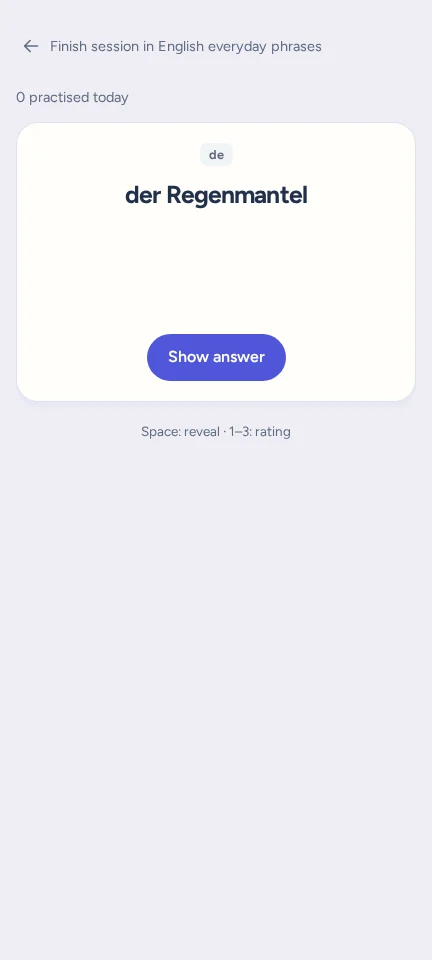
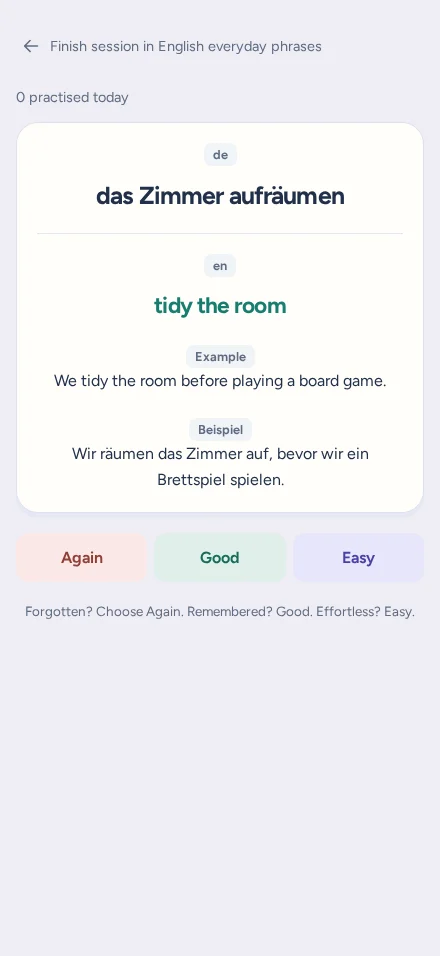
Minki schedules each card’s next review based on how well you remember it.
Library
Streaks and progress
See how many days you’ve studied in a row and how many cards you’ve practised. Your study calendar shows daily activity, and the progress chart shows the time between reviews.
Offline study
Add a deck to your device once. Then study its cards, images and audio without an internet connection.
With an account, you can sync your progress when you’re back online.
Open MinkiImport from Anki
Export a deck from Anki as an .apkg file, then open it in Minki. Review the import before adding the cards.
Anki review history isn’t imported.
How importing works Current streak